
Consulting_Alliances_Publish_Listing
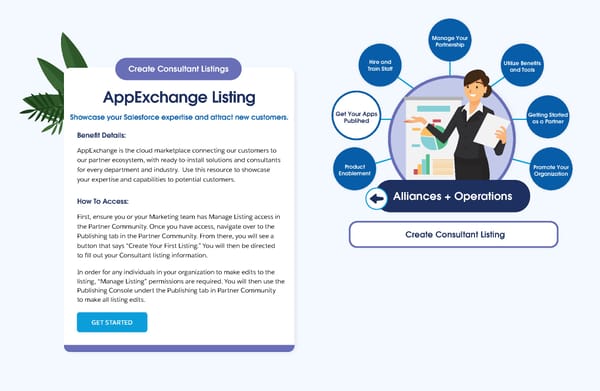
Manage Your Partnership Sales Product Enablement Getting Started as a Partner Alliances + Operations Utilize Benefits and Tools Promote Your Organization Hire and Train Staff Create Consultant Listing Get Your Apps Publihed Create Consultant Listings AppExchange Listing Showcase your Salesforce expertise and attract new customers. Benefit Details: AppExchange is the cloud marketplace connecting our customers to our partner ecosystem, with ready-to-install solutions and consultants for every department and industry. Use this resource to showcase your expertise and capabilities to potential customers. How To Access: First, ensure you or your Marketing team has Manage Listing access in the Partner Community. Once you have access, navigate over to the Publishing tab in the Partner Community. From there, you will see a button that says “Create Your First Listing.” You will then be directed to fill out your Consultant listing information. In order for any individuals in your organization to make edits to the listing, “Manage Listing” permissions are required. You will then use the Publishing Console undert the Publishing tab in Partner Community to make all listing edits. GET STARTED
 Connect to the Resources You Need to Succeed Page 35 Page 37